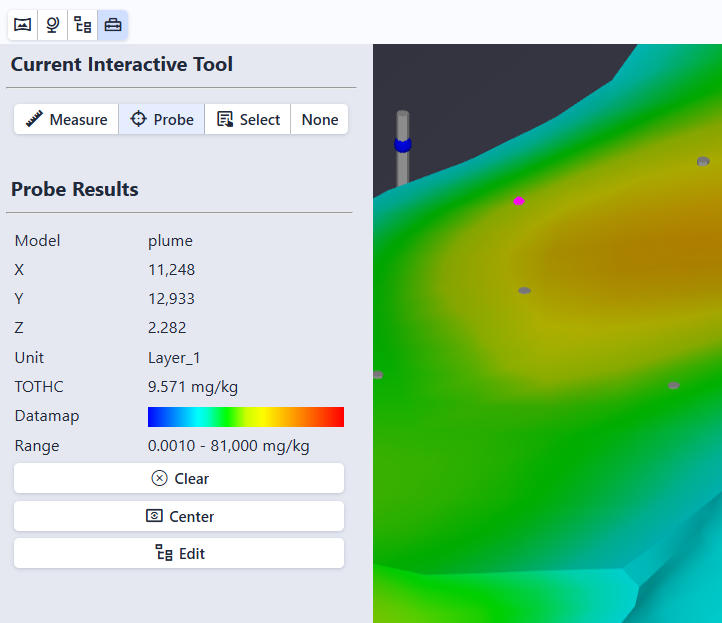
The Tools panel controls what happens when you double-click (or Ctrl+Click) on an object in the scene. Open it by clicking the Tools button in the toolbar or pressing Alt+T.
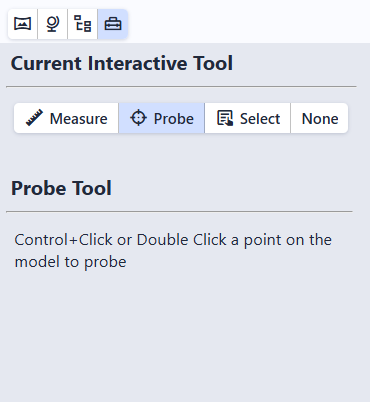
| Tool | Action |
|---|---|
| Probe | Show information about the object at the clicked point (default) |
| Measure | Measure distance, slope, and direction between two points |
| Select | Select the clicked object in the Model Tree for editing |
| None | Disable double-click and Ctrl+Click interaction |
Tip
Ctrl+Click works the same as double-click for all tools. This is helpful on laptop trackpads where double-clicking precisely can be difficult.