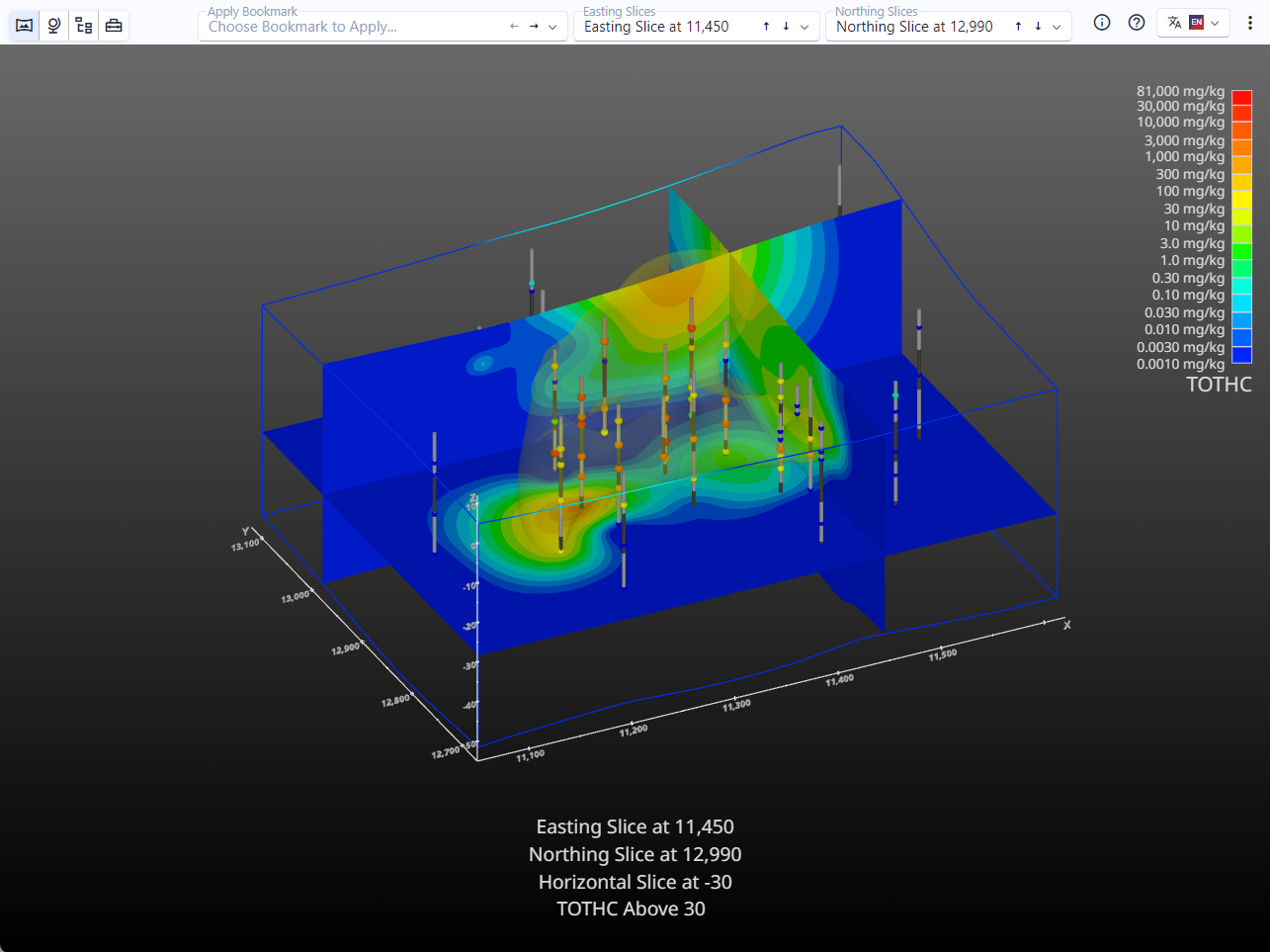
Open a C Tech Web Scene (CTWS File)
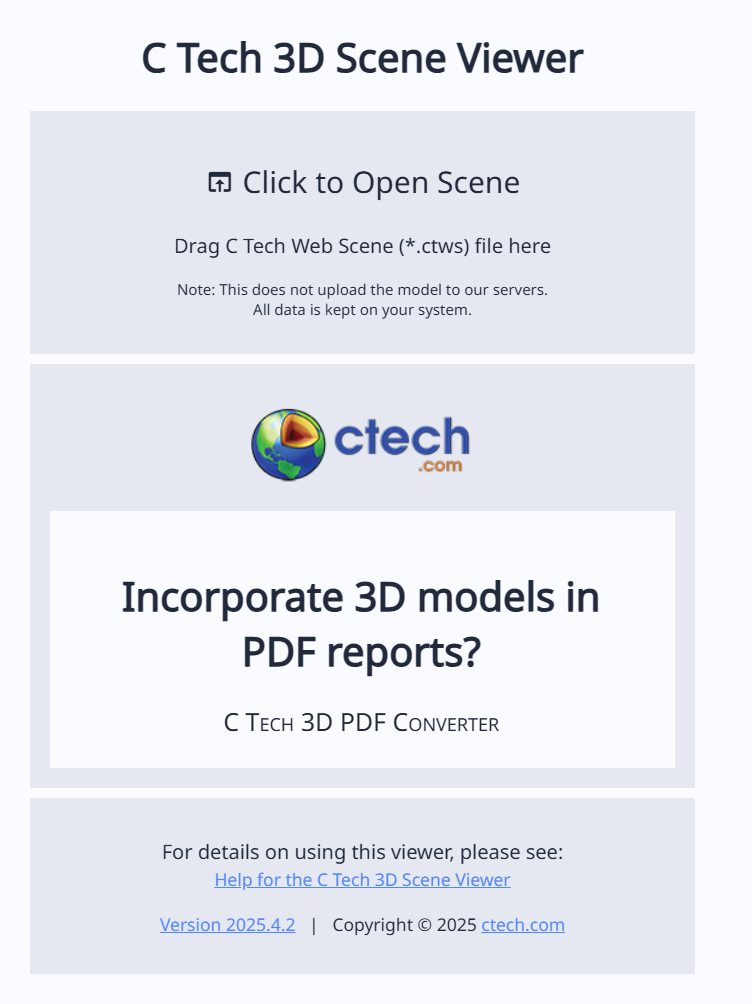
To open and work with a CTWS file, either double click on the file (if using Windows 10 or 11 standalone application), or visit https://viewer.ctech.com. On the web version, you can open a file by dragging the CTWS file into the web page, or clicking on the “Click to Open Scene” portion of the site to browse to your CTWS file:
Viewer Interaction with the Mouse
Once opened, the mouse can be used to interact with the resulting model. You can rotate using the left mouse button, pan using the right mouse button, and zoom using the mouse wheel or middle mouse button.