We’ll now connect these modules. Connections determine how data flows or is shared among modules, and affects the modules’ order of execution. Use the left mouse button to drag from one port to another to connect them.
We could leave these modules in their current positions, but let’s move them around so they better match how we want the data to flow. Adjust the positions to approximately match:
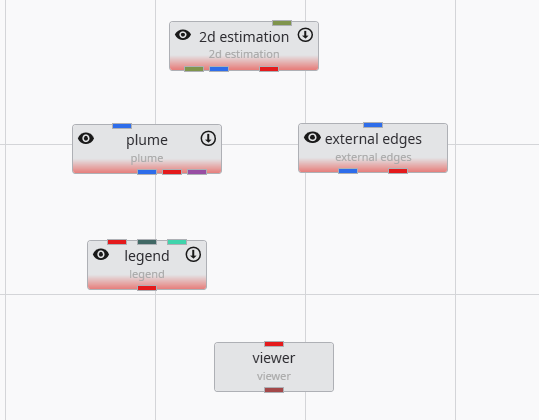
Then connect a few of them as shown below.
The method of connecting modules is detailed in the topic Connecting and Disconnecting Modules.
Info
The order in which we instance and connect modules is, with the exception of certain array connections, unimportant. We could have instanced and connected these modules in any order.
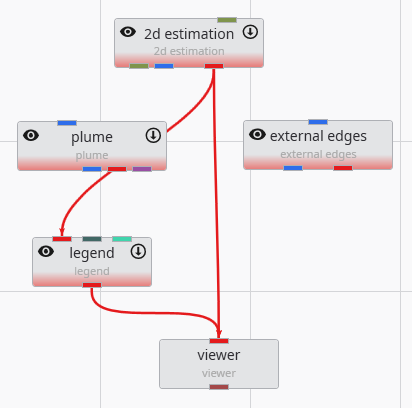
We are not connecting all of the modules at this time since we want to examine the simplest 2D kriging applications first and then make it more complex.