Let’s exit EVS.
Open the Menu using the Show Menu button in the upper right corner. Select Exit at the bottom. Alternatively, exit EVS using the regular close icon at the upper right on the main window.
EVS exits after displaying a confirmation message.
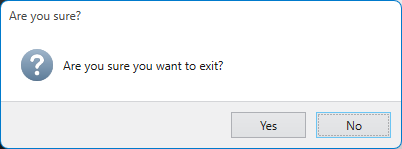
If you close the main window using the X in the upper left, it will prompt you similarly.
You have now completed Workbook 1.