AIDV files represent analyte data which is measured over an interval. The data is inherently collected along borings. Boring IDs are required in the file, and post samples will draw the borings as well as the sample intervals.
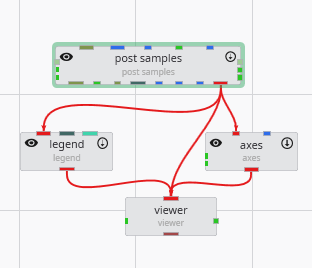
Create the following application. It is identical to the application used for APDV files.
Let’s read the file in Studio Projects: Analytical (Contaminant) Modeling\fuel-storage-deep-benz.aidv
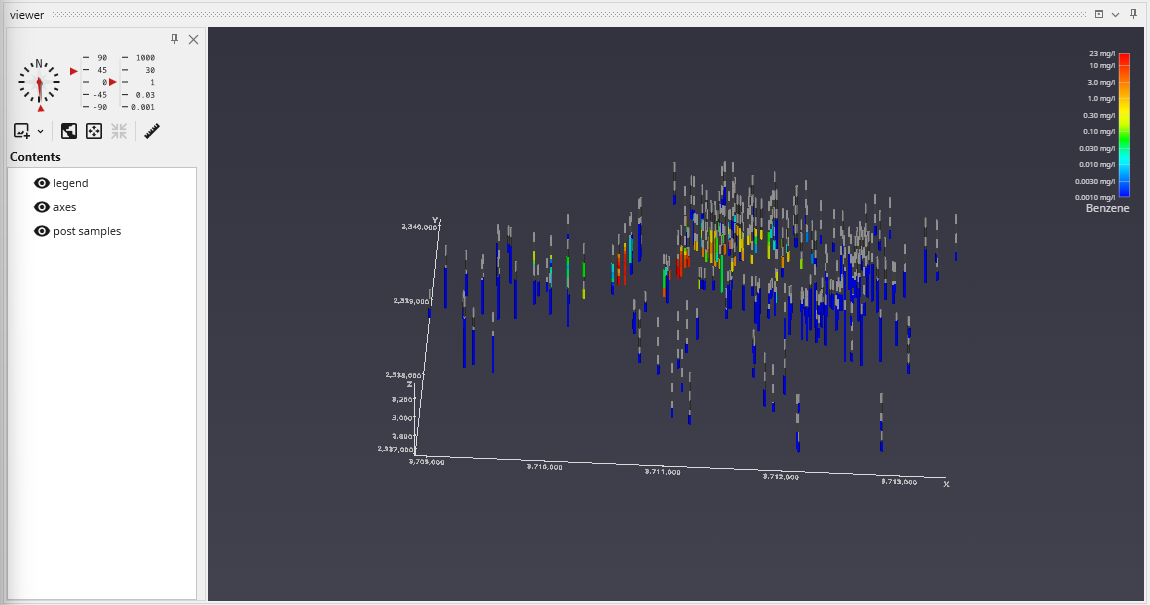
By default, post samples will display AIDV files as intervals of colored tubes representing the top and bottom of each sample screen.
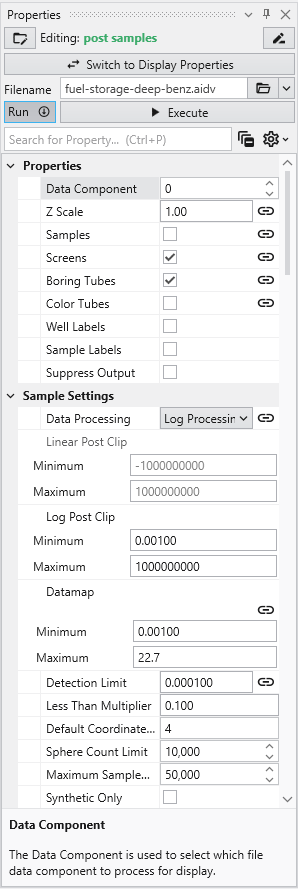
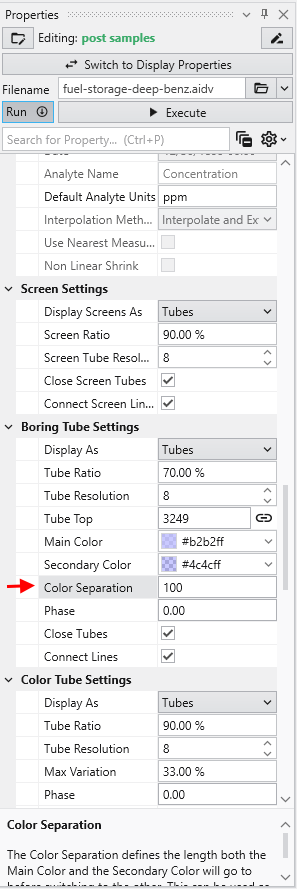
This dataset spans 779 feet in Z. post samples colors the borings with alternating light and dark grey bands, and the Color Separation parameter sets the length of each band. By default Color Separation is linked, and its value is set from the data: about 10% of the longest boring, rounded to a 1, 2 or 5 value. To choose your own spacing, unlink Color Separation and enter a value, such as 100 feet for this data.