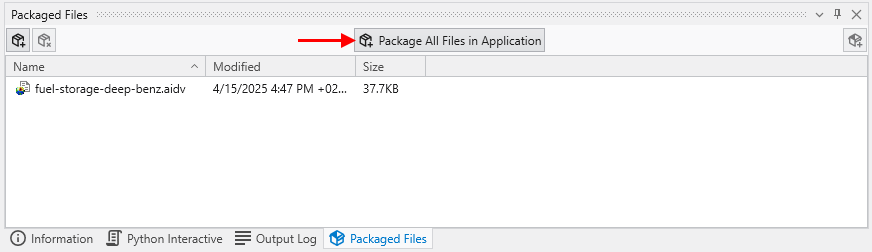
To Package all files in an Application, open the Packaged Files window and merely press the Package All Files in an Application button.
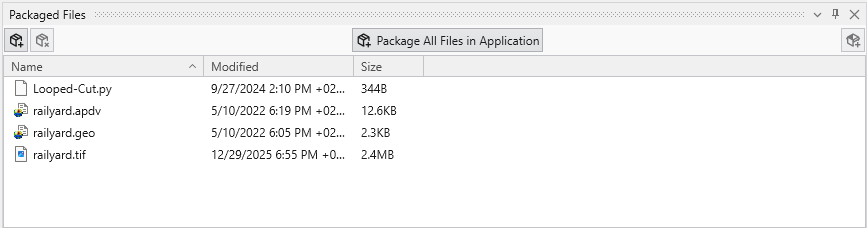
For the application railyard-looped-cut.intermediate.evs, the list of packaged files are:
Once one or all files are packaged in a .EVS application, when you save the application, the data files will be saved “in” the .EVS file.
Note: The EVS modules requiring special treatment will be properly and automatically handled when using the Package All Files in an Application button.