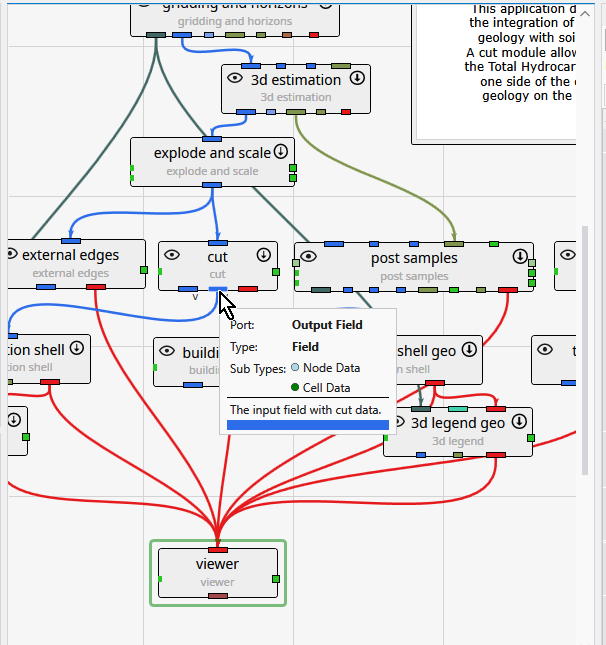
At any time after modules have run, you can quickly obtain basic statistical and model extents data merely by double left mouse clicking on any FIELD (blue) output port.
Let’s demonstrate this by using the second output port of the cut module
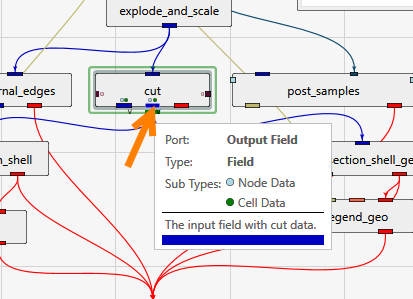
When we double-click here, the following information appears in the Properties window.
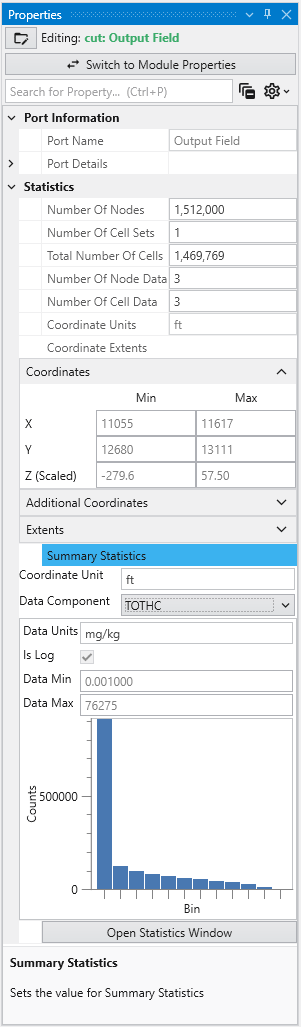
This quickly tells us that this port has a model with the following data and coordinate extents:
- 1,512,000 nodes
- 1,469,769 cells
- We can select any of the three nodal data (cut is shown), and see its minimum, maximum, mean, median and standard deviation
- The X, Y & Z Minimum and Maximum are provided under Coordinates, and the extents under Extents
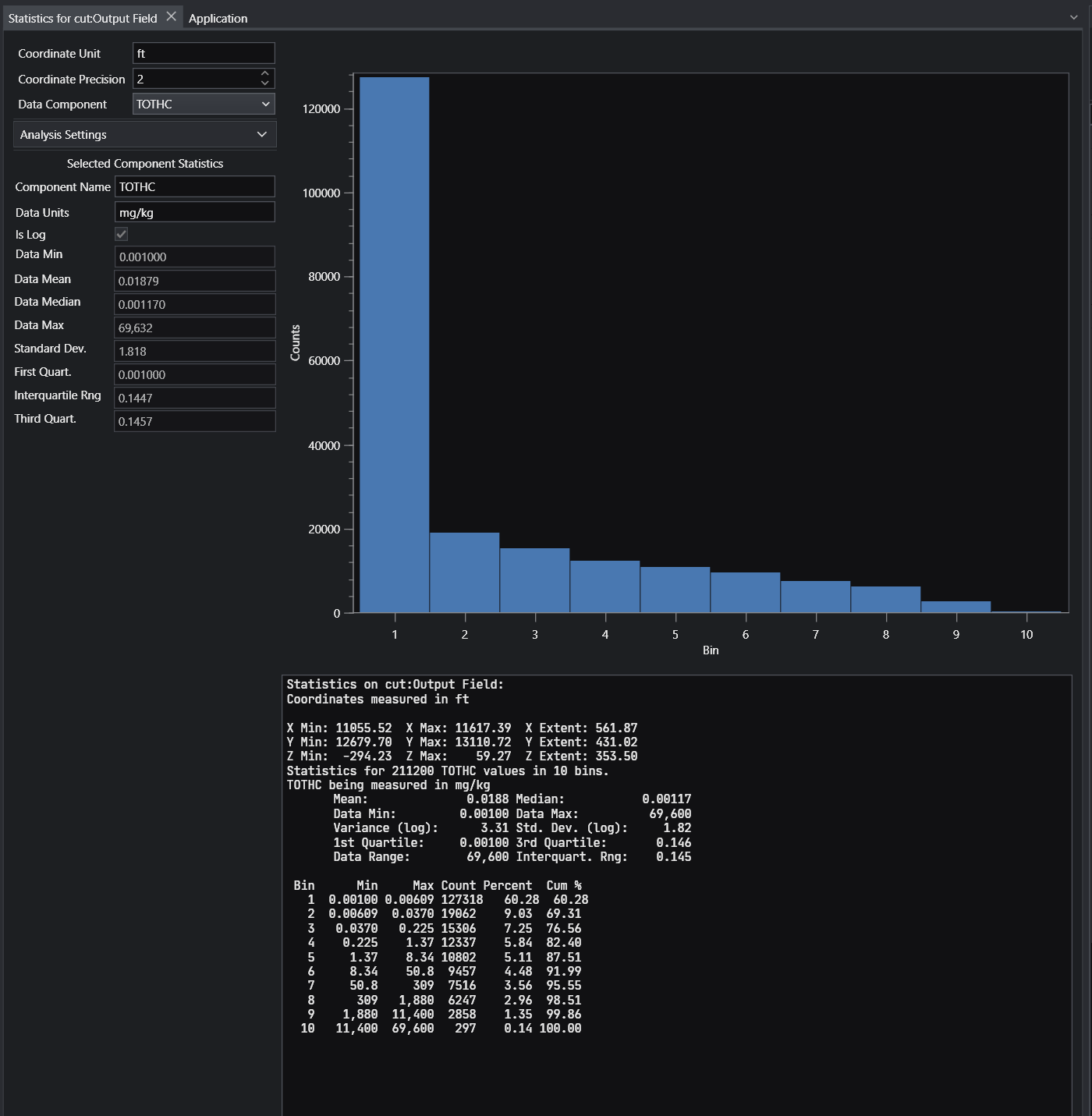
For more comprehensive statistical analysis of the nodal data, click on the Open Statistics Window button, and the following appears.