
Explore interactive 3D web scenes that demonstrate the wide-ranging capabilities of Earth Volumetric Studio. Each model below was built in Studio and published as a .CTWS file using the C Tech 3D Scene Viewer.
Request a Free Example Explore Studio
How to Interact
Click any thumbnail below to open its interactive 3D model. Once opened:
Rotate — left mouse button. Pan — right mouse button. Zoom — mouse wheel.
Probe Data — double-click any object to view coordinates and analytical values.
For full viewer controls, see: Toolbar & Shortcuts · Scene Properties · Model Tree · Tools
Gallery
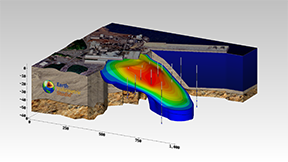
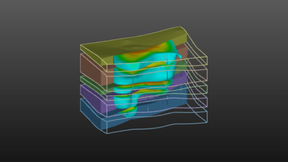
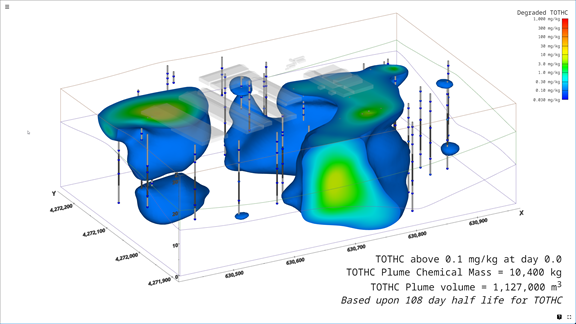
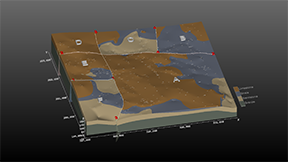
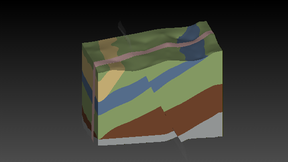
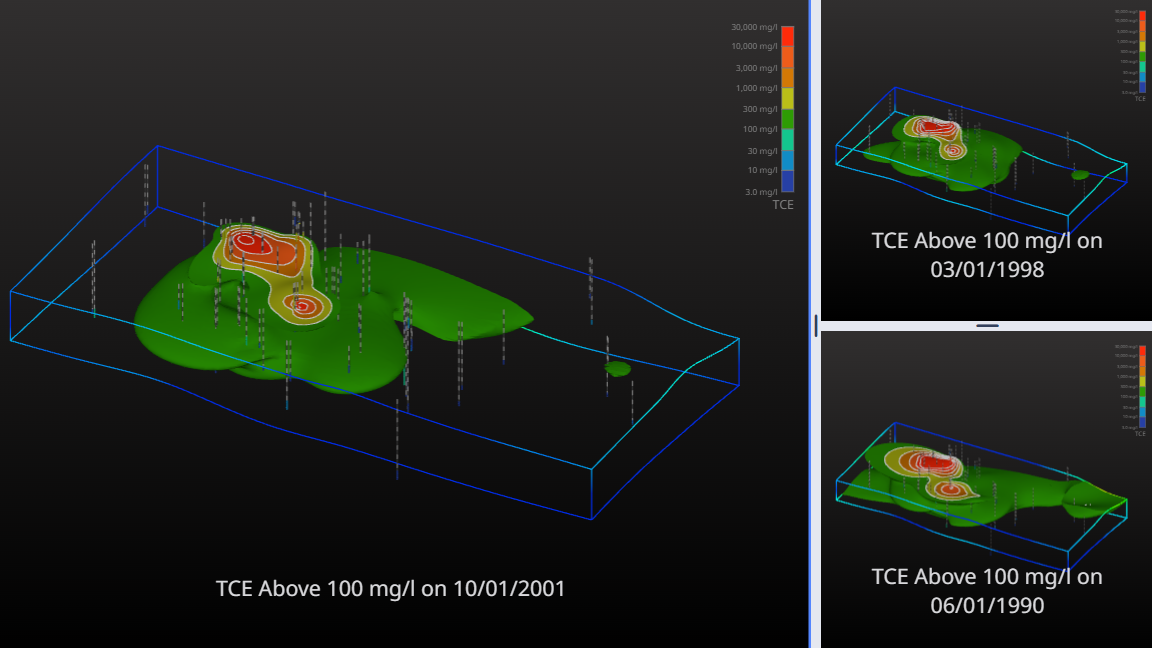
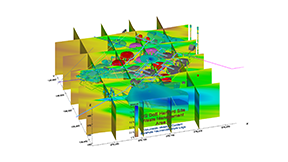
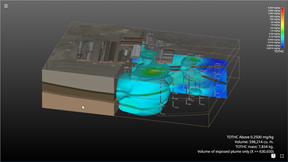
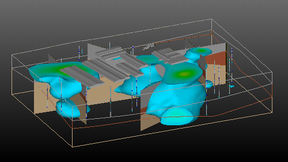
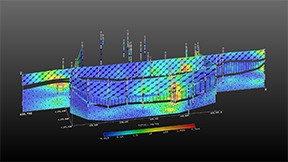
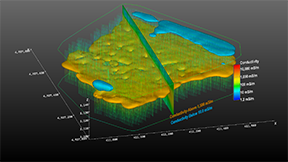
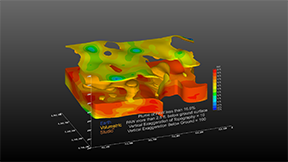
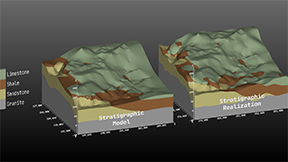
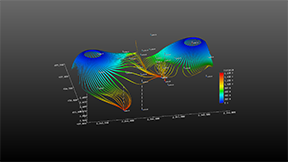
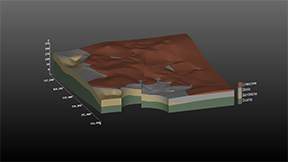
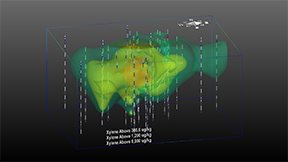
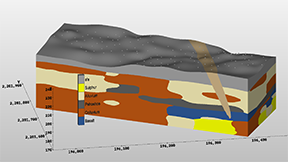
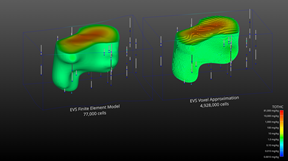
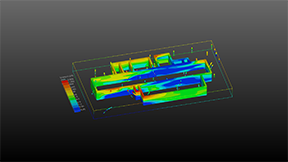
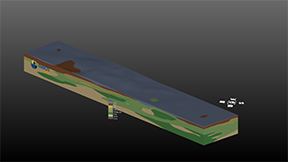
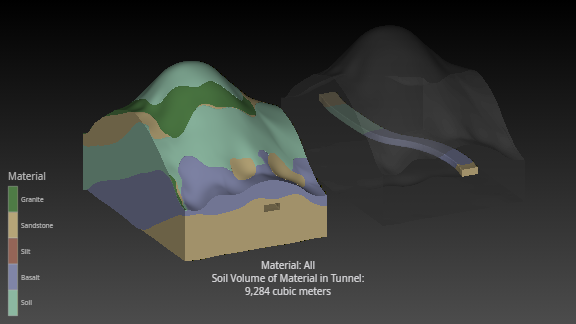
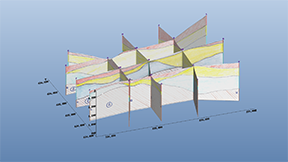
These examples represent a fraction of what Studio can do. Every model above was built using Studio’s modular workflow and published as a single .CTWS file — ready to share with clients, regulators, or stakeholders.