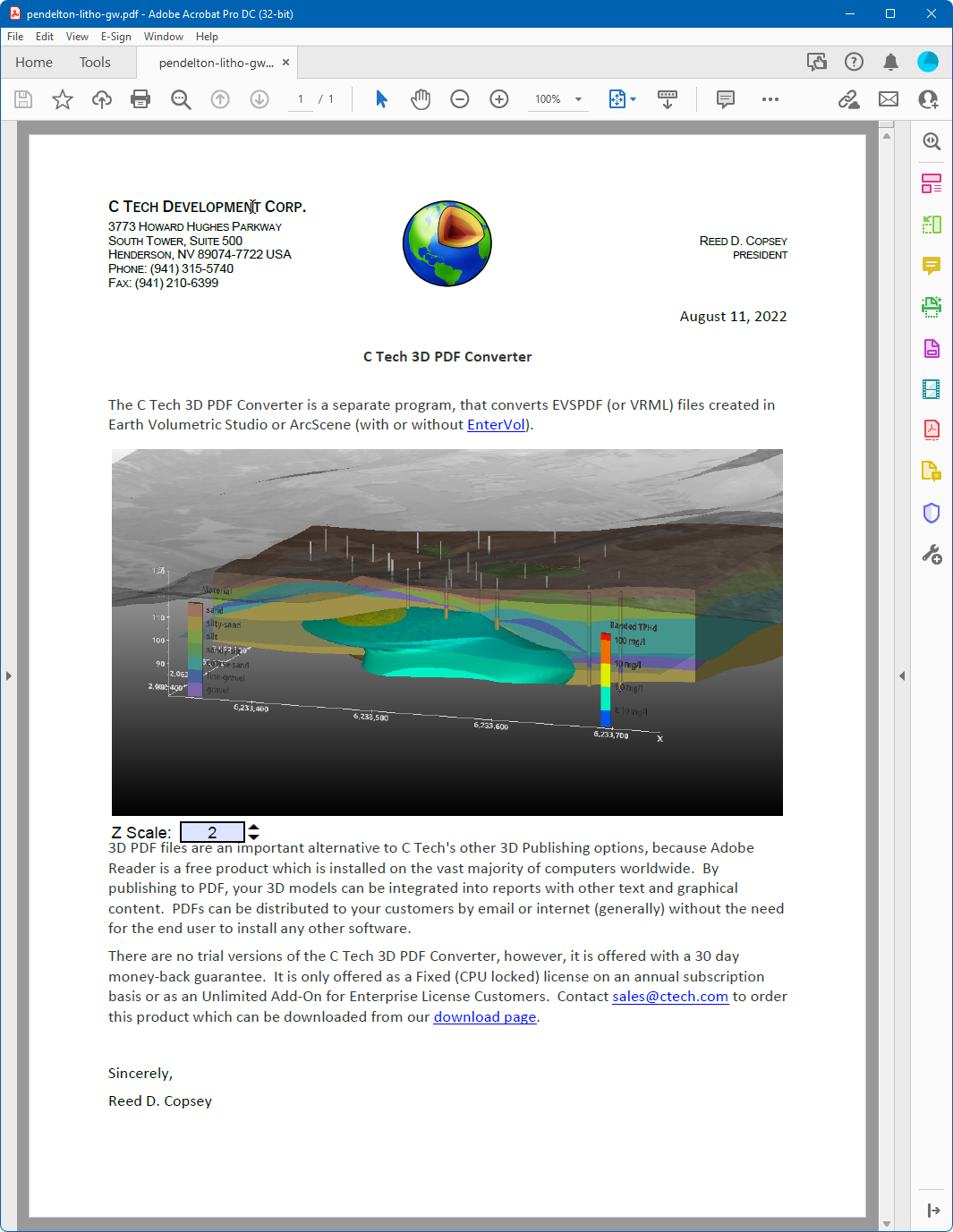
The Replace 3D Model mode in the C Tech 3D PDF Converter lets you substitute an existing 3D annotation in a PDF with your own 3D content. This is how you update a document that already has a placeholder or an older 3D model embedded in it.
To use this mode, you need a PDF that already contains one or more 3D models or placeholders. A sample PDF with C Tech logo placeholders is included with the installer. For instructions on creating your own template, see Creating Template PDF Files.
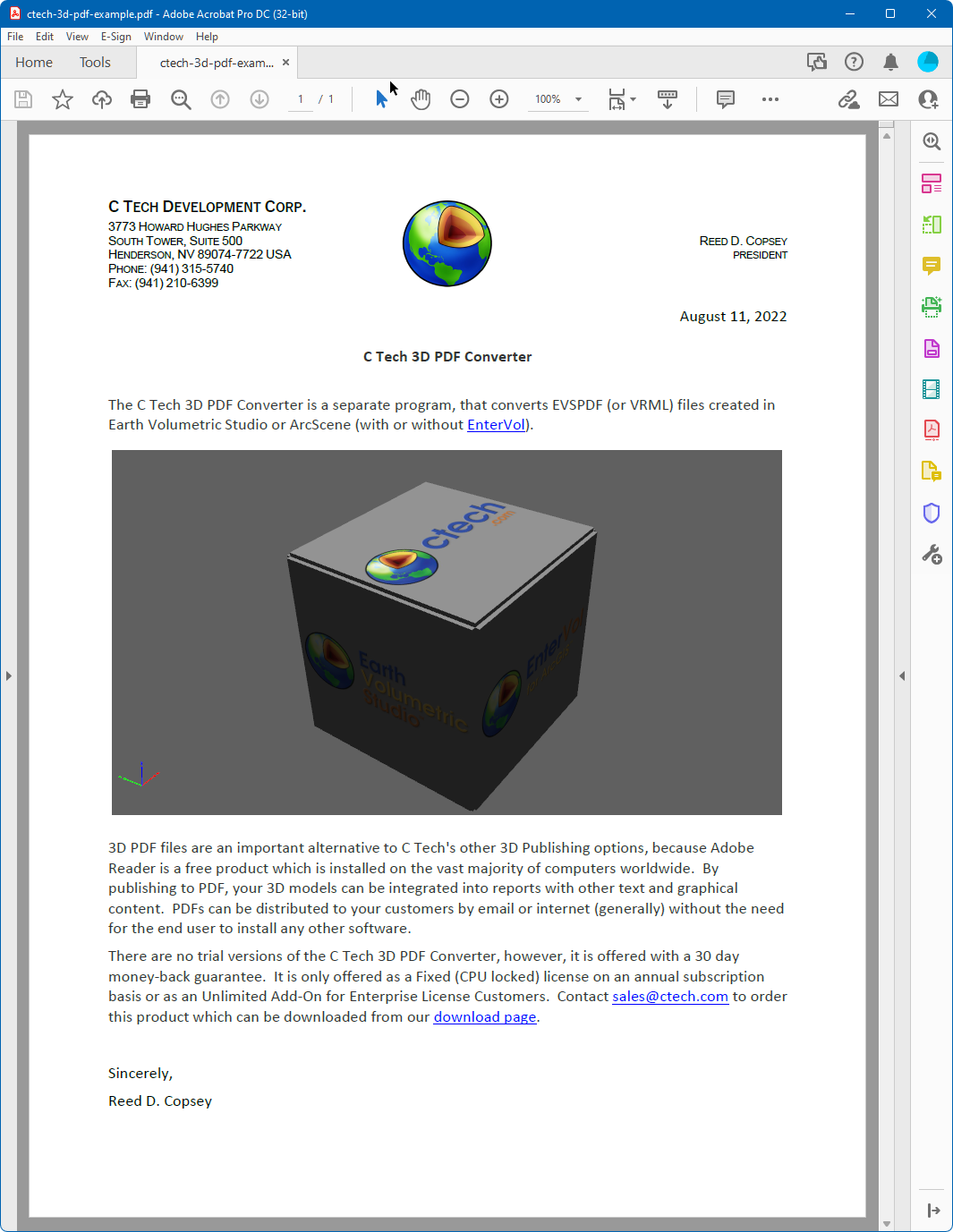
Replacing the Annotation
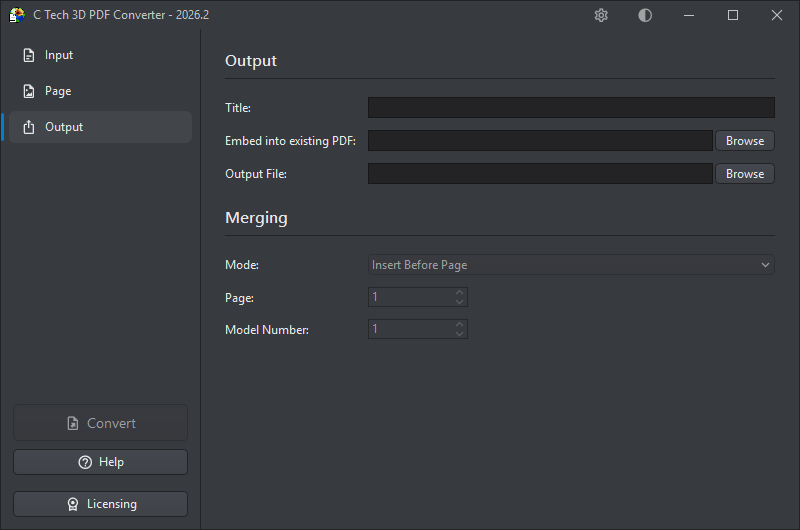
To replace a 3D model, you only need to know which page it is on and which annotation number it is on that page. Open the C Tech 3D PDF Converter and configure the Output section as follows:
- Set Embed into Existing PDF to the PDF containing the placeholder
- Set Mode to Replace 3D Model
- Set Page to the page number containing the 3D annotation
- Set Model Number to the annotation number on that page (use 1 if there is only one)
The new 3D content will automatically fill the size and position of the existing annotation.
After converting, the placeholder is replaced with your 3D content: