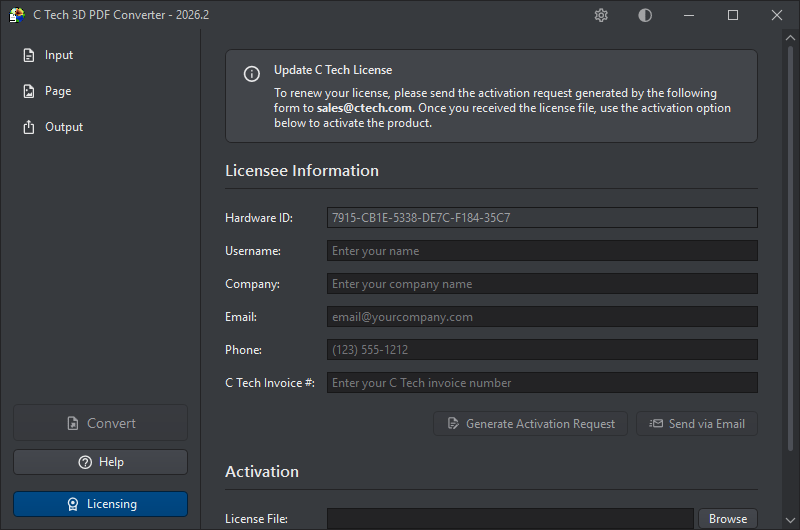
The Licensing button at the bottom of the sidebar opens the licensing dialog, where you can activate a new license or renew an existing one.
The dialog is split into two parts. Scroll up to see the Licensee Information and activation request controls:
Scroll down to reach the Activation section, where you load your license file and activate:
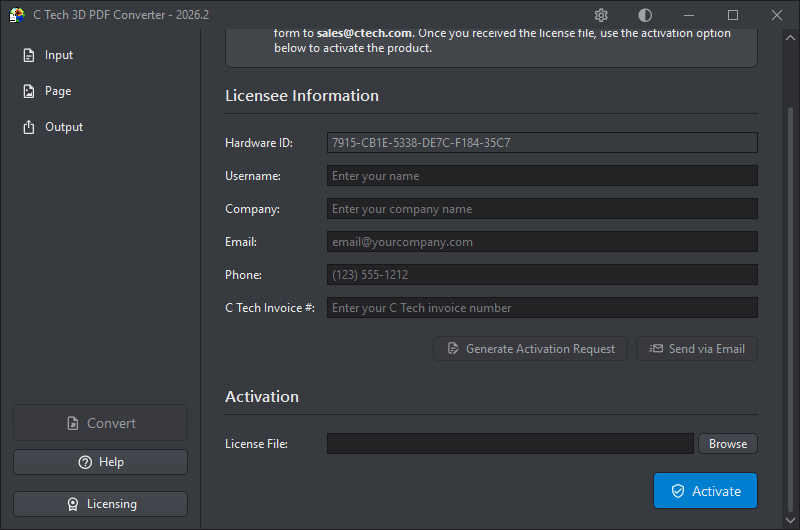
For full instructions on completing the activation process, see Installing C Tech 3D PDF Converter.