Once you have configured your settings, click Convert at the bottom of the sidebar to begin. When conversion completes successfully, a confirmation dialog is shown with the path to the generated PDF.
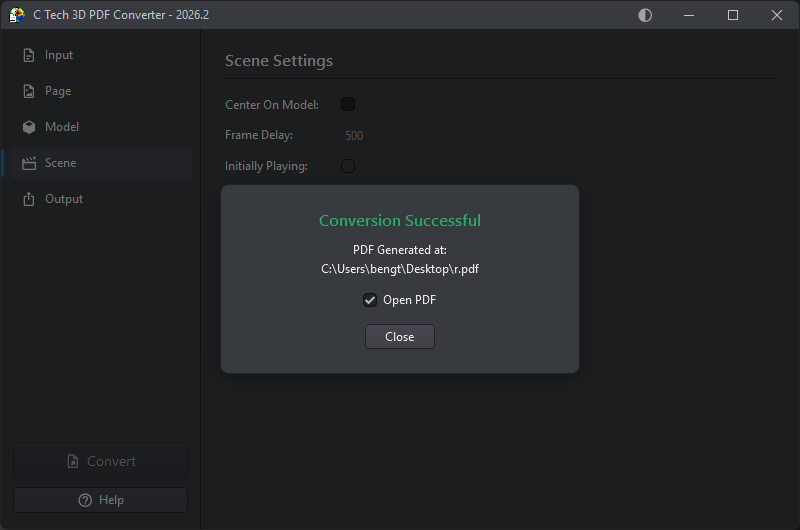
The Open PDF checkbox, which is checked by default, will open the generated PDF in your default PDF viewer as soon as you click Close. Uncheck it if you want to close the dialog without opening the file.
If the conversion fails, an error log is shown in place of the success dialog, describing what went wrong.