Received an EVS presentation file (.evsp)? You can open it for free with the EVS Presentation Viewer. You do not need a C Tech account or a license, and viewing a presentation sends nothing to C Tech.
Download Earth Volumetric Studio from ctech.com/downloads and run the installer. You need Administrator rights. EVS setup also installs the C Tech License Manager. The Sample Projects are not needed.
Open the C Tech License Manager from the Windows Start Menu.
On the Home page, select EVS Presentation Viewer.
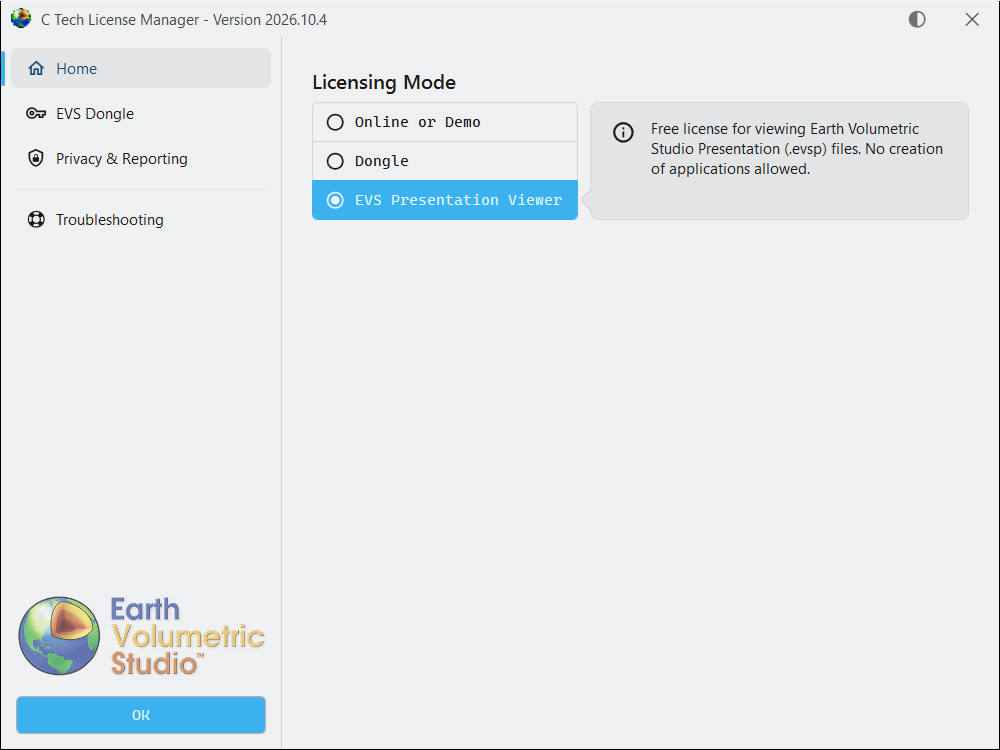
Select OK.
Open the .evsp file in EVS.
The Presentation Viewer only plays presentation files. Creating presentations needs an EVS Floating, Enterprise or University license.